How to Log In
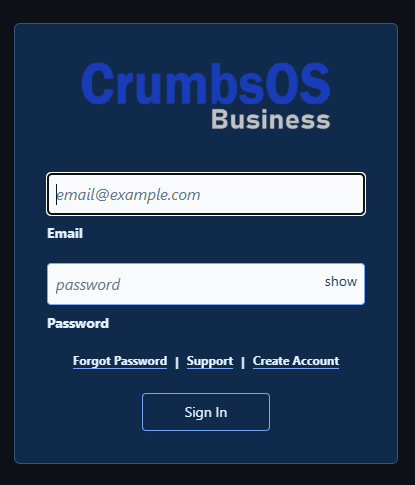
Sign in to your business
- Open CrumbsOS.
- Enter your business account email address.
- Enter your password.
- Select Sign In.
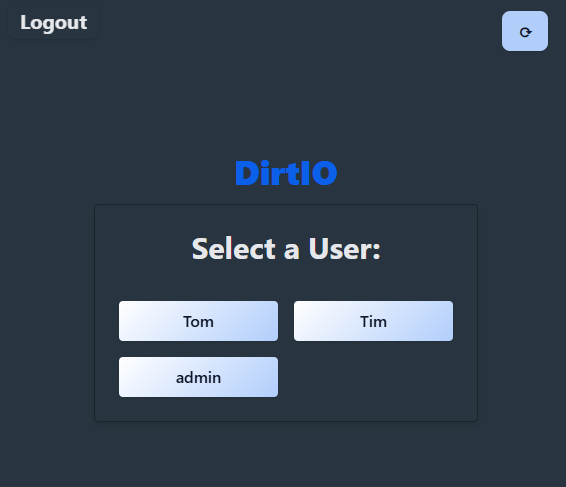
Log in as a user
- On the Select a User screen, select your user.
- Enter the user’s PIN using the keypad.
- Select Login.